
Do BlackBerry Phones Still Work?
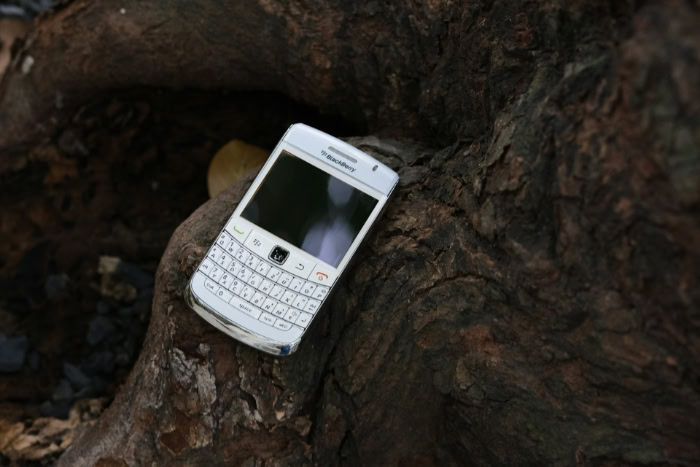
That satisfying click of a physical keyboard is a memory many former BlackBerry users simply cannot shake. As people look for effective ways to disconnect from social media, these devices are seeing a surprising resurgence in interest.
But simply powering on an old Bold or Classic will not yield the results you might expect. The shutdown of BlackBerry’s legacy servers on January 4, 2022, fundamentally broke the ecosystem for most older models.
The answer to if they still work is complicated. It depends entirely on if you are holding a newer Android-based unit or a legacy device running the original operating system.
Distinguishing the Hardware: Android Era vs. Legacy OS
Identifying the specific operating system is the single most important step before purchasing or attempting to reactivate a BlackBerry. The brand underwent a massive internal shift halfway through the last decade which split their device history into two distinct categories.
One group remains functional because it relies on Google’s infrastructure; the other has been rendered nearly obsolete because it depended on BlackBerry’s now-defunct servers.
The Survivor Models: Android-Based Devices
The devices that survived the shutdown are the ones that abandoned the proprietary BlackBerry OS in favor of Android. These models include the KeyOne, Key2, Key2 LE, Motion, and the slider-style Priv.
Because these phones run on Google’s Android ecosystem, they do not rely on the specific BlackBerry servers that were decommissioned in 2022. If you power one of these on today, it will still connect to Wi-Fi, sign in to a Google account, and download apps from the Play Store.
However, just because they function does not mean they run like new flagships. These “survivor” models are stuck on older versions of Android, typically ranging from Nougat (7.0) to Oreo (8.1).
While they can still handle calls, texts, and basic emails, you will encounter compatibility issues with newer apps that require Android 10 or higher. Security is another concern; these phones stopped receiving monthly security patches years ago, making them less safe for sensitive banking or corporate data.
The Obsolete Models: BlackBerry OS 10 and 7
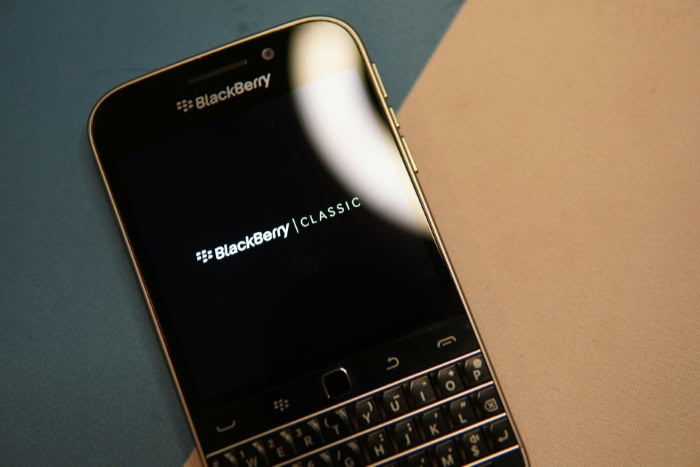
The second category covers the devices that most people feel nostalgic for, such as the BlackBerry Classic, Passport, Q10, Bold 9900, and the Curve series. These phones run on BlackBerry 10 (BB10) or the older BBOS 7.
Unlike the Android models, these devices were built to communicate constantly with a backend infrastructure known as BIS (BlackBerry Internet Service) or BES (BlackBerry Enterprise Server).
Since that infrastructure is gone, these phones operate with severe restrictions. They are essentially “dumbphones” that look smart.
They can no longer route data through the secure channels they were designed for, and many of the integrated features that defined the experience simply fail to load. Getting them to work requires patience, technical workarounds, and a willingness to accept that they will never function as they did in 2015.
The Impact of the 2022 Server Shutdown on Functionality
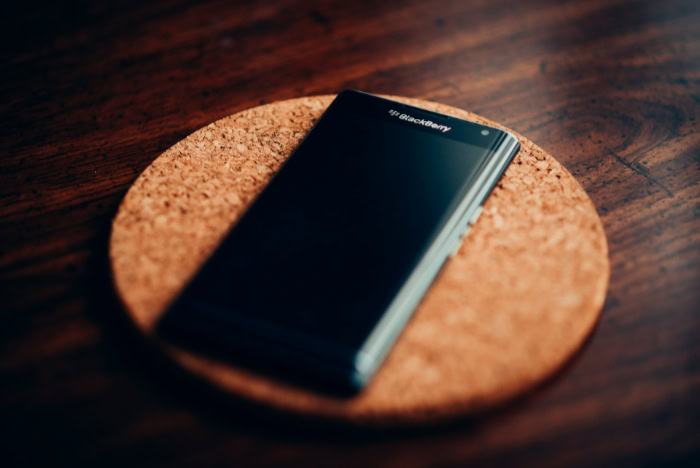
On January 4, 2022, BlackBerry officially decommissioned the legacy services required to support their original operating systems. This was not just a cessation of updates; it was a termination of the signals required to activate and manage the devices.
For anyone holding a BB10 or BBOS 7 device, the consequences were immediate and permanent.
The Setup Barrier
The most frustrating hurdle for enthusiasts arises right after a factory reset. When you wipe a BB10 device like a Classic or Passport and try to set it up again, the phone attempts to call home to a server that no longer exists to verify the “BlackBerry ID.”
Because the handshake fails, many users find themselves stuck on the initial Wi-Fi connection screen, unable to advance to the home screen.
There is also a significant issue with the built-in Anti-Theft protection. If a device was reset without first signing out of the BlackBerry ID, it enters a security loop where it demands credentials it cannot verify.
While there are screen-reader based bypass tricks discovered by the enthusiast community to skip the setup wizard, a standard user will likely view the device as “bricked” or broken.
Loss of Core Services
Once past the setup screen, users quickly realize that the software ecosystem has evaporated. BlackBerry Protect, which allowed for remote tracking and wiping, is non-functional.
BlackBerry Password Keeper, a favorite utility for many, can no longer sync data to the cloud. The BlackBerry World app store is effectively closed; even if it opens, you cannot download or purchase new content.
Perhaps the most jarring loss is the breakdown of the email setup wizard. In the past, you could simply type in your email address and password, and the phone would configure the rest.
Now, the system cannot fetch those settings automatically. Adding a Gmail or Outlook account requires manual configuration of IMAP and SMTP server settings, and often involves generating confusing “app-specific passwords” from your email provider to bypass modern two-factor authentication requirements.
What Survives
Despite the carnage, the hardware itself remains functional if you can reach the home screen. The shutdown did not disable local components.
The camera still takes photos, the media player still plays music files loaded onto an SD card, and tools like the alarm clock, calendar, and local memo pad work without issue. For those seeking a distraction-free device, these offline capabilities are often enough to justify the effort.
Cellular Connectivity and the VoLTE Hurdle
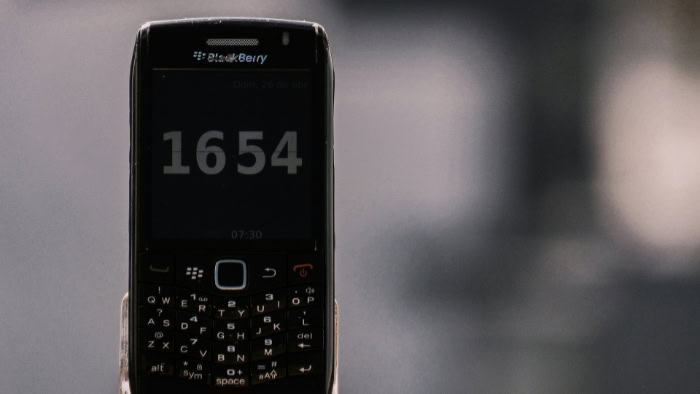
Even if you successfully bypass the software setup and accept the lack of apps, the biggest challenge to using a BlackBerry today is the cellular carrier. The telecommunications industry has moved on from the standards these phones were built to use.
This creates a scenario where a phone might show signal bars but still fail to complete a simple voice call.
The 3G Network Shutdown
In the United States, major carriers including AT&T, Verizon, and T-Mobile have fully decommissioned their 3G networks to free up spectrum for 5G. This is catastrophic for older BlackBerry models like the Bold 9900 or Curve, which relied entirely on 2G and 3G bands for voice traffic.
Without these networks, these devices essentially become small tablets; they can connect to Wi-Fi, but they cannot connect to a cellular tower to make calls or send texts.
The Voice over LTE Requirement
Newer legacy devices like the BlackBerry Passport or Classic are technically 4G LTE capable, but this is deceptive. While they can use 4G for data (browsing the web), they were often designed to drop back to 3G to handle voice calls.
To make calls over the 4G network, a device needs a feature called Voice over LTE (VoLTE).
The problem is that VoLTE requires specific “provisioning” files from the carrier. Because BlackBerry stopped supporting these phones years ago, carriers never updated their files to certify these devices for VoLTE on their modern networks.
Consequently, a BlackBerry Passport on a network like AT&T might have high-speed data internet access but will instantly drop a call or fail to dial because it has no 3G network to fall back on for voice.
Regional Differences
This connectivity crisis is most acute in the United States. In other regions, specifically parts of Europe, Asia, and Latin America, the situation is less dire.
Many international carriers have kept their 2G or 3G networks active as a backup layer for older hardware and IoT devices. In these specific markets, a legacy BlackBerry can still function as a reliable phone for calls and texts, provided the user is aware that the web browsing experience will be severely limited.
App Ecosystem and Web Browsing Limitations
While a device might technically power on and connect to a network, its usefulness is defined by what it can actually access. The internet and application standards have evolved rapidly since the last BlackBerry rolled off the assembly line.
This creates a jarring experience for new users who expect these phones to function like modern smartphones, only to find that most digital doors are locked tight.
The Browser Problem: TLS and SSL Errors
The most immediate roadblock users face on legacy devices like the BlackBerry Classic or Passport is the web browser. The internet relies on security certificates to verify that a website is safe.
These certificates have expiration dates, and the root certificates built into the BlackBerry 10 operating system expired years ago. Because the OS is no longer updated, these certificates were never renewed.
Consequently, when you attempt to visit almost any modern website, you will likely be greeted with a “Connection is not private” or “SSL Handshake Failed” error. While you can sometimes bypass these warnings for simple text-based sites, it renders secure browsing impossible.
You cannot access online banking, healthcare portals, government websites, or any page that requires a secure login. The browser simply lacks the modern security protocols required to handshake with today's web servers.
App Availability on Android Models
The situation is significantly better for the Android-based “survivor” models, but time is catching up to them as well. Devices like the BlackBerry Key2 and KeyOne allow you to access the Google Play Store, which provides a massive advantage over the legacy line.
You can download maps, music streaming services, and email clients directly from Google.
However, these phones are permanently stuck on older versions of Android, specifically Android 8.1 (Oreo) for the Key2 and even older for the KeyOne. As we move through 2025, many popular developers are dropping support for these outdated operating systems.
You may find that your banking app or a specific productivity tool now requires Android 10 or higher to install. While the core apps generally function, the window of compatibility is closing, and users will eventually find themselves unable to update critical applications.
Sideloading on Legacy OS
For the die-hard enthusiasts trying to use a BlackBerry 10 device, the app situation is dire. These phones have a built-in “Android Runtime” that allows them to run some Android apps, but this runtime is based on Android 4.3 (Jelly Bean), which is over a decade old.
The native BlackBerry World store is effectively empty, so users must “sideload” apps by manually transferring APK files from a computer to the phone.
Even with this effort, success is rare. Most modern Android apps require Google Play Services, which the BlackBerry 10 OS cannot support.
Popular communication tools like WhatsApp, Signal, and Slack will not function because their server-side requirements are too advanced for the ancient runtime. Users are often left hunting for very old versions of apps that still function offline, turning the device into a museum piece rather than a communication tool.
Modern Use Cases and Alternatives

Given the immense technical hurdles and connectivity issues, using a BlackBerry in the modern era is rarely about utility. It is almost exclusively about intentionality.
People who return to these devices are usually looking to change their relationship with technology, prioritizing focus and tactile feedback over endless scrolling and instant notifications.
The Digital Detox Device
The primary reason anyone picks up a legacy BlackBerry today is to perform a “digital detox.” Because these phones cannot run TikTok, Instagram, or modern YouTube, they naturally eliminate the biggest sources of digital distraction.
If you live in an area where 2G or 3G calling still works, a BlackBerry becomes a dedicated communication tool.
The physical keyboard remains the star attraction. Writers and minimalists often find that the tactile experience of a Bold 9900 or Classic allows them to draft notes or texts with a level of precision and satisfaction that glass screens cannot replicate.
The device becomes a single-purpose tool for writing and basic organization, stripping away the noise of the modern internet.
Security Risks
It is vital to acknowledge that using these devices carries significant security risks. Neither the Android-based BlackBerrys nor the legacy models have received security patches for years.
They are vulnerable to exploits that have long been fixed on modern iPhones or Samsung devices.
Because of this, these phones should never be used for sensitive activities. Logging into a primary bank account, storing passwords, or managing corporate data on a BlackBerry Key2 or a Passport is dangerous.
They lack the defenses to stop modern malware or phishing attacks. If you choose to use one, it should be kept strictly separate from your financial and professional identity.
Viable Hardware Alternatives
For those who crave the physical keyboard but need a functional phone, the market has offered a few solutions. The most direct spiritual successor is the Unihertz Titan series.
These are modern Android phones built by a niche manufacturer that mimic the form factor of the BlackBerry Passport and Key series. They run current versions of Android and support modern apps, though the camera and build quality often lag behind mainstream flagships.
Another emerging option for iPhone users is the “Clicks” keyboard accessory. This is a case that slides onto a modern iPhone, adding a physical keyboard to the bottom of the device.
It bridges the gap by offering the nostalgic typing experience without sacrificing the speed, security, and app ecosystem of a modern smartphone. For many, this represents the most practical middle ground between nostalgia and necessity.
Conclusion
The reality of using a BlackBerry in 2025 is a tale of two very different experiences. The Android-powered models like the Key2 remain technically functional.
They can still download apps and check email, but they are rapidly aging devices running insecure software that developers are leaving behind. On the other side, the legacy models like the Classic and Bold are no longer phones in the traditional sense.
They are complex enthusiast projects that require hours of troubleshooting just to perform the most basic tasks.
For ninety-nine percent of consumers, a BlackBerry is simply no longer a viable option for a daily driver. The combination of the 2022 server decommissioning, the widespread shutdown of 3G networks, and the inability to load modern secure websites creates too many barriers for reliable communication.
While the physical keyboard remains a beloved feature that defined a generation of mobile computing, the infrastructure that brought these devices to life has been dismantled. The technology has officially moved on, leaving these iconic handsets as collectibles rather than tools.
About the Author: Elizabeth Baker


