
Are Ergonomic Mice Worth It? What You Pay For

If you spend your workday clicking and scrolling, that dull ache in your wrist is more than an annoyance; it is a warning sign of repetitive strain. Standard computer mice force your forearm into an unnatural twist that compresses nerves and fatigues tendons over hours of continuous use.
Ergonomic alternatives promise relief through specialized shapes and angled grips, but they often come with premium price tags and a steep learning curve. Deciding to make the switch requires weighing these upfront costs and adaptation hurdles against the promised physical benefits.
Key Takeaways
- Standard computer mice force the forearm into pronation, crossing the radius and ulna bones, which causes chronic muscle tension and pinches the median nerve.
- Vertical mice with a fifty-seven-degree tilt eliminate forearm twisting by keeping the hand in a natural, upright handshake posture.
- Stationary trackball mice completely eliminate arm and shoulder movement because users control the cursor using only their fingers or thumb.
- Switching to an ergonomic device typically requires a transition period of several days to two weeks as muscles adapt to new coordination patterns.
- Investing in ergonomic hardware acts as preventative health care, offsetting future expenses like physical therapy, doctor visits, and missed work hours.
The Science of Wrist Strain and Ergonomics
The human body is optimized for varied, dynamic movement, yet office work forces us into static, repetitive postures for hours on end. Prolonged physical stillness combined with fine motor repetitions creates subtle physical strains that accumulate over months and years.
Recognizing how standard computing habits affect our muscular and nervous systems is the first step toward preventing chronic discomfort.
Hand Anatomy and Wrist Alignment
When you rest your arms naturally at your sides, your palms face inward toward your thighs, a posture often called the natural handshake position. When using a standard computer mouse, however, you must rotate your forearm ninety degrees so your palm lies flat against the desk surface.
This flat position, known as pronation, forces the two bones in your forearm, the radius and ulna, to cross over each other. Keeping your hand in this twisted posture for several hours creates constant muscle tension and strains the surrounding ligaments.
Repetitive Strain Injury and Carpal Tunnel Syndrome
The wrist contains a narrow passageway called the carpal tunnel, which houses the median nerve and the tendons that move your fingers. Flat pronation pinches this tunnel, putting pressure on the median nerve during extended computer sessions.
Compounding this pressure are repetitive micro-movements, the tiny, constant clicks and small adjustments required to guide a cursor across a screen. Over time, these minor, repetitive motions irritate the tendons, leading to swelling, numbness, tingling, and chronic conditions like carpal tunnel syndrome or repetitive strain injury.
Muscle Fatigue Reduction
Ergonomic designs aim to correct these issues by shifting the physical burden of cursor control. Instead of relying on the small, delicate tendons in the wrist and hand, an ergonomic mouse encourages movements initiated by the larger, stronger muscles of your forearm and shoulder.
This transfer of workload dramatically reduces localized muscle tension, allowing larger muscle groups to absorb the effort of computer navigation, which helps prevent fatigue.
Major Types of Ergonomic Mice
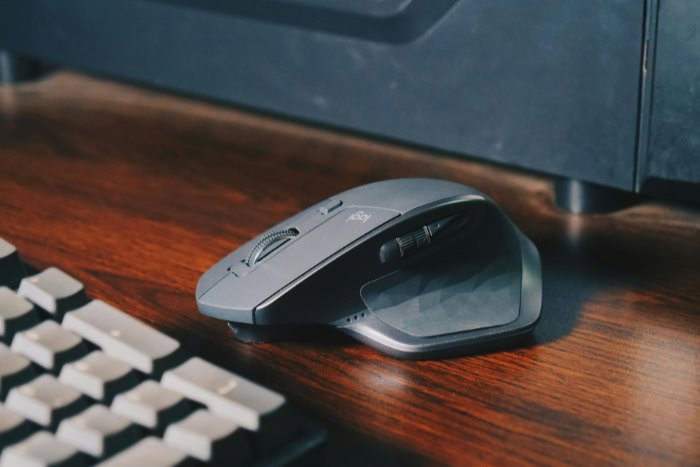
Ergonomic design is not a one-size-fits-all solution, as different physical challenges require different mechanical remedies. Manufacturers have developed several distinct classes of pointing devices, each targeting specific posture problems and movement habits.
Vertical Mice
Vertical mice look like a traditional mouse tipped onto its side, typically featuring a tilt angle ranging from fifty to nearly ninety degrees. The design philosophy behind this vertical shape is to replicate the natural, upright posture of your arm while resting.
By placing your hand at an angle, such as the common fifty-seven-degree tilt, these devices eliminate forearm pronation entirely. This tilt is highly beneficial for users seeking immediate relief from forearm twisting and wrist strain.
Trackball Mice
Trackball mice remain completely stationary on your desk, utilizing a rotating ball to move the screen cursor. Some models feature a thumb-operated trackball on the side, while others place a finger-operated ball in the center.
Because only your fingers or thumb move to manipulate the cursor, trackballs completely eliminate forearm, elbow, and shoulder movement. This static setup is ideal for people suffering from shoulder injuries or elbow pain, as well as those working on cluttered or confined desks.
Contoured and Ergonomic Traditional Mice
For users who find vertical designs or trackballs too radical of a shift, contoured traditional mice offer a middle ground. These devices maintain a horizontal layout but add exaggerated curves, sculpted ridges, and deep thumb rests to support the hand.
While they do not completely eliminate forearm pronation, they provide subtle postural adjustments that reduce muscle strain and prevent your hand from slipping off the device, making them an excellent transition option.
Usability and the Adaptation Period
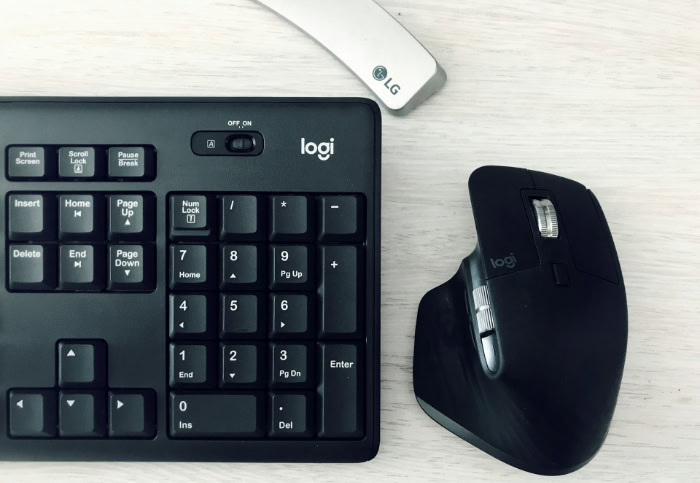
Switching to a health-conscious mouse design represents a physical transition that requires patience and adjusting expectations. Your hands and arms have spent years perfecting specific movement patterns, and altering those habits will initially feel awkward.
Preparing for this adjustment phase can help prevent frustration during the first few weeks of use.
Muscle Memory Transition
When you first switch to an ergonomic mouse, your brain must reprogram its established muscle memory. During this initial adjustment period, you will likely experience a temporary reduction in cursor speed, accuracy, and overall productivity.
Most users require anywhere from a few days to two weeks of consistent daily use to fully adapt to a new grip and coordinate their hand-eye movements without conscious effort.
Precision and Accuracy for Specialized Tasks
The physical shift in how you move your mouse can impact your performance in professional, high-precision workflows such as graphic design, photo retouching, or video editing. Because you are using larger muscle groups to control the device, making pixel-perfect adjustments can feel difficult at first.
Similarly, fast-paced gaming often suffers initially, as vertical mice and trackballs do not easily accommodate the rapid, twitch-reflex movements required in competitive play, though many non-competitive users adapt successfully over time.
Setup and Desk Space Requirements
Your physical environment also plays a role in how comfortable a new mouse will feel. Large vertical mice require more vertical clearance and desk space than standard mice, while stationary trackballs have a highly compact footprint since they do not need to slide around.
Furthermore, desk height and the position of your chair armrests heavily influence mouse usability. If your desk is too high or your armrests do not support your elbows at a ninety-degree angle, even the most advanced ergonomic mouse cannot prevent shoulder fatigue.
Cost versus Long-Term Value

Evaluating the value of specialized computer accessories requires looking past the initial price tag to consider their impact on your health and productivity. While standard office mice are inexpensive, ergonomic alternatives require a higher financial commitment.
Price Comparison with Standard Models
A basic computer mouse often costs very little, whereas specialized ergonomic models can range from moderate to premium pricing. This price difference is not just for the unique shape; it also reflects the cost of premium materials, highly sensitive optical sensors, and specialized software customization.
High-end ergonomic mice allow you to adjust cursor tracking speeds and program custom button shortcuts, which reduces the physical movements required to perform common tasks.
Durability and Product Lifespan
Leading ergonomic manufacturers generally use high-quality, durable materials designed to withstand years of heavy daily use. The physical wear on the device itself also changes because users handle ergonomic mice with a much more relaxed grip.
Because you are not squeezing the mouse or pressing it hard against the desk, the internal switches and outer casing experience less physical stress, which can extend the operational life of the hardware.
Healthcare Expense Reduction
The true financial value of an ergonomic device becomes clear when compared to the cost of medical care. Investing in a supportive mouse is far less expensive than paying for physical therapy, wrist braces, ergonomic assessments, or doctor consultations.
Additionally, preventing chronic pain protects your ability to work, meaning the device pays for itself by preventing lost productivity and missed work hours.
Selection Criteria for Users
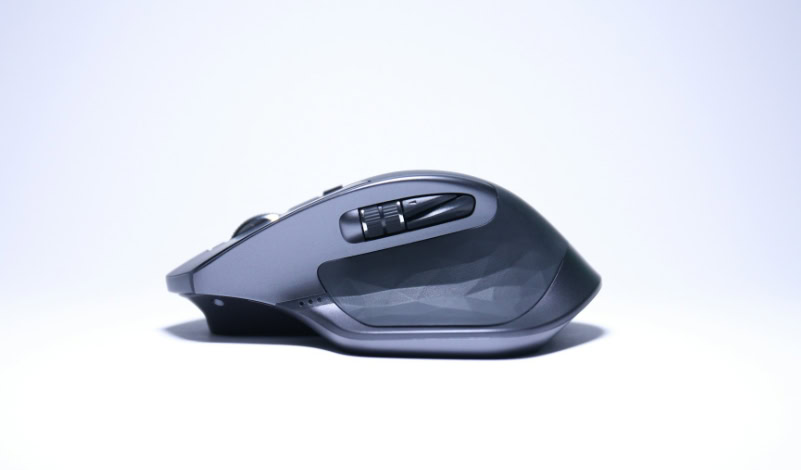
Finding the right ergonomic device requires assessing your physical dimensions, dominant hand, and workspace habits. No single mouse fits every individual, making it necessary to evaluate specific features before purchasing.
Hand Size and Grip Style
To find a correct fit, you should measure your hand from the crease of your wrist to the tip of your middle finger. Many manufacturers offer sizing charts to help you select a small, medium, or large model.
You must also consider your preferred grip style, as palm grip users need full contoured support, while claw and fingertip grip users require a device that allows easy reach of the buttons without forcing tight finger flexes.
Left-Handed Compatibility
Left-handed users face significant market constraints, as many specialized vertical and contoured designs are manufactured exclusively for right-handed individuals. Left-handed users must choose between a limited selection of dedicated left-handed vertical mice or symmetrical, ambidextrous designs.
While ambidextrous mice offer flexibility, they often lack the deep thumb rests and pronounced contours found on hand-specific models.
Device Portability for Travel and Hybrid Work
For hybrid employees and frequent travelers, the size of an ergonomic mouse can pose a challenge. Large, bulky vertical models do not fit easily into laptop bags and are prone to damage during transport.
Some manufacturers offer compact, travel-friendly versions of their ergonomic designs, but these smaller models often compromise on hand support, making them less ideal for full-time office use.
Conclusion
Adopting an ergonomic mouse represents a balance between physical relief and operational adjustments. While these devices align the wrist and reduce forearm twisting, they demand patience as users rebuild muscle memory and manage initial drops in precision.
Large physical designs can also take up more desk space and require careful layout coordination to maximize their health benefits.
The value of making this investment ultimately depends on how much time you spend at your desk. For heavy office workers, software developers, and writers who spend eight or more hours a day typing and clicking, an ergonomic mouse is a highly justified investment that prevents long-term physical injuries.
Casual users, on the other hand, may not experience enough repetitive strain to warrant the high cost and adjustment period, making standard mice perfectly adequate for their lighter, intermittent tasks.
Frequently Asked Questions
Does a vertical mouse actually help with wrist pain?
Yes, a vertical mouse helps relieve wrist pain by rotating your hand into a natural handshake position. This upright alignment eliminates forearm twisting and reduces pressure on the median nerve inside the carpal tunnel. By transferring the physical movement to your larger forearm and shoulder muscles, it prevents localized strain.
How long will it take me to get used to an ergonomic mouse?
Most people require between several days and two weeks to fully adapt to a new ergonomic mouse. Your brain must build new muscle memory to coordinate cursor movements with a different grip angle. You will likely experience a temporary drop in speed and accuracy during this initial transition.
Can I play games with a vertical mouse?
You can use a vertical mouse for casual gaming, but it is generally not ideal for highly competitive, fast-paced games. The vertical grip shifts muscle control to your larger arm muscles, which reduces the fine fingertip control needed for rapid precision aiming. However, many non-competitive players prioritize comfort over speed.
Are trackball mice better than vertical mice?
Trackball mice are better if you have shoulder pain or very limited desk space, whereas vertical mice are superior for wrist alignment. Trackballs remain stationary and eliminate all arm movement, which protects the shoulder. Vertical mice still require you to slide the device, which engages the shoulder while protecting the wrist.
Is it hard to find a good left-handed ergonomic mouse?
Finding a high-quality, left-handed ergonomic mouse is difficult due to limited market availability. Most specialized contoured and vertical mice are made exclusively for right-handed users. Left-handed individuals often must choose between a limited selection of dedicated left-handed vertical models or symmetrical, ambidextrous designs.
About the Author: Elizabeth Baker


