
Are Privacy Screen Protectors Worth It? Pros and Cons
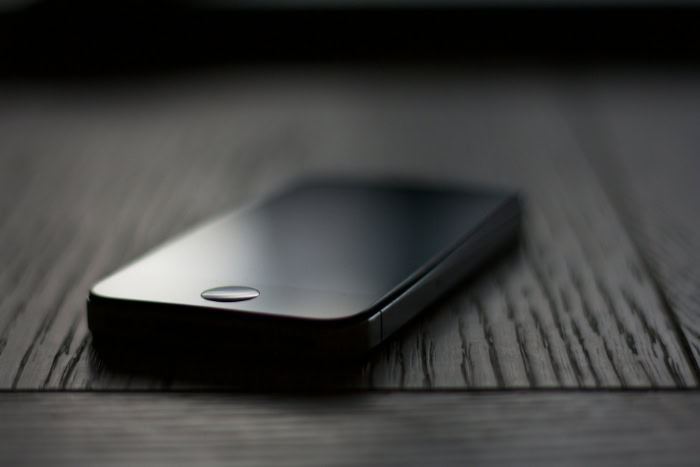
Every day, we access confidential emails, bank accounts, and personal messages in crowded spaces where anyone nearby can glance at our screens. As mobile devices handle more of our sensitive information, shielding our displays from curious onlookers has become a practical necessity.
Privacy screen protectors offer a physical solution by narrowing the viewing angle, but they often come with noticeable compromises in display quality and usability. Deciding to use one involves weighing the promise of visual security against potential frustrations like reduced brightness and biometric scanner issues.
Key Takeaways
- Privacy screen protectors restrict viewing angles to about 30 degrees using microscopic polar filters, meaning onlookers sitting to your side will only see a darkened display.
- Four-way privacy filters block screen visibility from both horizontal and vertical angles, whereas two-way filters only block horizontal visibility in portrait mode.
- Polarized privacy layers inevitably reduce display brightness, which can lead to faster battery drain because you will likely need to turn up your screen brightness.
- These protectors can interfere with under-display optical or ultrasonic fingerprint scanners, requiring you to delete and re-register your prints after installation.
- Applying a privacy protector can create a complete blackout or a distorted rainbow effect when you look at your screen while wearing polarized sunglasses.
Definition, Technology, and Mechanics of Privacy Protectors
To understand how these accessories secure a screen, it helps to look at the optical engineering behind them. They rely on light-filtering patterns to control who can view the display, transforming a standard screen into a highly directional light source.
Micro-Louver Technology
Micro-louver technology is the foundation of modern privacy screens. It functions similarly to tiny, microscopic window blinds tilted at precise angles.
These polar filters are embedded within the protective film, allowing light to pass through cleanly only when viewed from directly in front of the device. When someone attempts to look at the screen from an angle, typically beyond 30 degrees from the center, the microscopic louvers block the light transmission.
As a result, the onlooker sees only a dark or completely blacked-out display, while the person holding the device retains a clear view.
Two-Way Versus Four-Way Privacy Filters
Privacy filters generally fall into two categories based on their blocking capabilities. Two-way privacy filters restrict visibility solely along the horizontal axis when the device is held in portrait orientation.
This means people sitting to the left or right of you cannot see your screen, but someone looking over your shoulder from above or below still can. Four-way privacy filters offer comprehensive protection by blocking light horizontally and vertically.
This design ensures that regardless of how you rotate the device, whether in portrait or landscape mode, the screen remains hidden from all side angles.
Material Options: Tempered Glass and Plastic Films
Users must also choose between different manufacturing materials, primarily tempered glass and plastic films. Tempered glass options provide substantial impact defense and scratch resistance, acting as a robust physical shield for the underlying screen.
They are thicker and feel more like the device’s original glass display. Plastic films, on the other hand, offer a much thinner profile that blends seamlessly with the device.
While they provide basic protection against minor scratches, they offer minimal resistance against drop impacts and heavy wear.
Primary Benefits of Privacy Protectors

Implementing a privacy shield offers several practical advantages that extend beyond basic data protection. These accessories combine physical defense with visual security to address multiple modern device vulnerabilities simultaneously.
Visual Security in Public Spaces
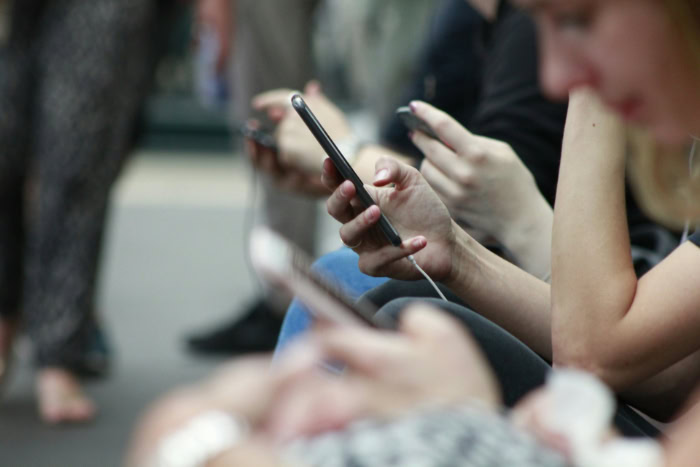
The main advantage of these shields is the defense they provide against unauthorized observation, commonly known as shoulder surfing. In crowded environments such as public transit, cafes, or shared offices, confidential details are easily exposed to nearby strangers.
By narrowing the viewing angle, these protectors safeguard sensitive data, including login credentials, financial statements, and private personal communications, keeping private information visible only to the intended user.
Physical Screen Defense
Beyond their specialized privacy features, these accessories perform the duties of standard screen protectors. They shield the delicate glass underneath from daily wear, scratches from keys or coins, and structural damage from accidental drops.
By absorbing the force of an impact, they help prevent expensive display replacements.
Glare Control and Blue Light Filtration
Many modern privacy protectors incorporate additional optical coatings to improve user comfort. The built-in polarizing layer naturally diffuses light reflection, which reduces glare when using the device in bright outdoor environments or under harsh office lighting.
Additionally, many manufacturers integrate specific filters that limit exposure to high-energy blue light, which can help reduce eye strain during prolonged periods of screen use.
Drawbacks and Functional Trade-Offs

While the security advantages are clear, altering how light exits a display introduces several operational compromises. Users should prepare for a few changes in how they interact with their devices on a daily basis.
Reduction in Screen Brightness and Clarity
Because the micro-louver layer acts as a physical barrier to light, it inevitably dims the display. Users often find they must increase their device’s brightness settings to achieve the same level of clarity they had before installation.
This constant demand for higher brightness can lead to increased battery consumption, draining the device faster. Furthermore, the polarized filter can sometimes introduce a subtle pixel distortion or a slightly grainy texture, which may detract from the crispness of high-definition displays.
Interference with Biometric Sensors and Touch Sensitivity
Modern smartphones rely heavily on under-display biometric sensors, particularly optical and ultrasonic fingerprint scanners. The added thickness and the polarizing properties of privacy glass can interfere with these sensors, leading to unrecognized fingerprint attempts.
Additionally, some users notice a minor reduction in touch sensitivity, requiring firmer taps or swipes to register commands on the screen.
Difficulties with Shared Screen Visibility
The very feature that keeps your information private can become a hassle when you want to share your screen. Showing a photo, a video, or navigation directions to a friend sitting next to you becomes difficult, as they will only see a darkened display.
To share content, you must physically hand over the device or position it directly in front of their eyes.
Compatibility Issues with Polarized Sunglasses
Using a polarized screen protector alongside polarized sunglasses can cause unintended visual interference. When the two polarized layers align at certain angles, they can block light entirely, resulting in a temporary blackout of the screen.
In other orientations, it may create a distorted rainbow effect across the display, making the device difficult to read while outdoors.
Primary Evaluation Factors for Buyers
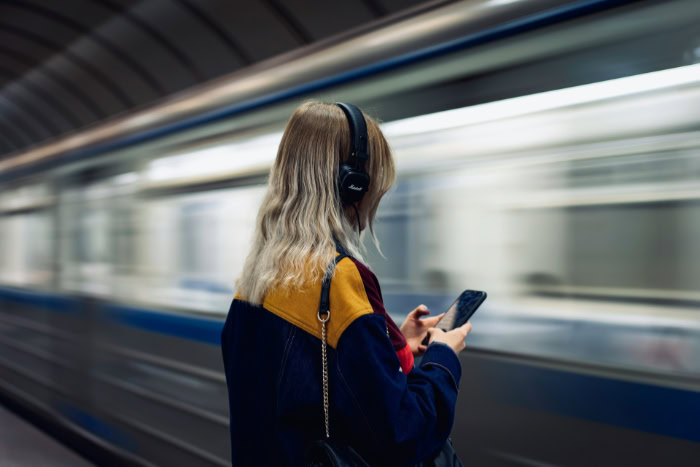
Deciding to purchase a privacy protector requires analyzing your personal routine and the physical properties of your smartphone. Not every user requires the same level of visual security, and device differences play a significant role in performance.
Assessment of User Environment and Lifestyle
Your daily environment is a major factor in this decision. Frequent commuters, remote professionals working in public spaces, and individuals handling sensitive corporate data will find the visual security highly beneficial.
Conversely, home-based users or those who rarely use their devices in crowded settings may find the trade-offs, such as reduced brightness and screen sharing challenges, outweigh the security benefits.
Device Compatibility and Biometric Support
Device design affects how well a privacy protector performs. Curved screens often require precise, specialized protectors to prevent peeling at the edges, whereas flat displays are much easier to accommodate.
Additionally, users must verify if a specific protector is rated to work with their phone’s biometric sensors, as some ultrasonic fingerprint readers require highly specific materials to function correctly.
Cost-to-Value Comparison
Privacy protectors generally carry a price premium compared to standard clear protectors. Buyers must weigh this extra cost against the value of their data security.
If exposing personal messages or financial details in public carries high stakes, the investment in a premium privacy filter is easily justified. However, if physical defense is your only concern, a standard clear protector is a more cost-effective choice.
Performance Optimization and Best Practices
If you decide to use a privacy screen, taking a few proactive steps can help minimize the associated drawbacks. Adjusting your device settings and utilizing careful installation techniques will ensure the best possible experience.
Adjustment of Device Brightness and Sensitivity Settings
To counter the dimming effect of the polarized film, you may need to manually raise your display brightness or rely on auto-brightness to adjust dynamically. To address any reduction in touch response caused by the physical thickness of the glass, most mobile operating systems include a setting to increase touch sensitivity.
Activating this feature restores the native, responsive feel of the display.
Re-Registration of Fingerprints Post-Installation
Because a new physical barrier sits between your finger and the biometric sensor, the scanner may struggle to recognize your print. To resolve this, delete any previously saved fingerprint scans after applying the protector and register your fingerprints again.
This allows the scanner to calibrate to the new optical conditions, drastically improving recognition speed and accuracy.
Proper Installation Methods for Maximum Clarity
A precise installation is critical for polarized filters. Even tiny dust particles or air bubbles can warp the microscopic louvers, causing light to scatter and creating localized blurriness or distortion.
Installing the protector in a dust-free environment, such as a steamy bathroom, and using alignment tools will help secure a clean, bubble-free fit that preserves optimal display clarity.
Conclusion
Deciding to use a privacy screen protector involves a clear trade-off between absolute visual security and daily device usability. On one hand, these accessories excel at blocking wandering eyes in public and guarding your physical display against drops and scratches.
On the other hand, they require you to accept a dimmer screen, increased battery consumption, and potential issues with fingerprint scanners. If you frequently handle sensitive information on public transit or in crowded cafes, the peace of mind they offer easily outweighs these minor inconveniences.
However, if you primarily use your device in private spaces, a standard clear protector will provide physical safety without compromising your viewing experience.
Frequently Asked Questions
Why is my screen so dark after putting on a privacy protector?
Your screen appears darker because the privacy protector contains tiny physical light filters that naturally block a portion of the display’s light. To fix this, you will need to manually increase your phone’s brightness setting. Keep in mind that running your screen at a higher brightness will drain your battery faster over time.
Will a privacy screen protector mess up my fingerprint scanner?
Yes, these protectors can interfere with under-display fingerprint scanners because of the extra thickness and the polarized material. You can resolve this issue by deleting your old fingerprint profiles and registering your prints again after installing the glass. Enabling the touch sensitivity setting in your phone’s display menu also helps.
Can other people still see my screen from above or below?
Other people can see your screen from above or below if you are using a standard two-way privacy filter. Two-way filters only block visibility from the left and right sides. If you want full coverage that blocks viewing from all angles, you should purchase a four-way privacy protector instead.
Why does my screen turn completely black when I wear sunglasses?
Your screen turns black because the polarization of your sunglasses clashes with the polarized layer of the privacy protector, blocking all light. This is a common physical reaction when two polarized lenses cross paths. You can resolve this by tilting your phone or removing your sunglasses to see the screen clearly.
Is it hard to share photos with friends if I have one of these on?
Yes, sharing photos or videos with someone sitting next to you becomes quite difficult because they will only see a dark screen. To let others see your display, you must hand them the phone directly so they can look at it straight on. This is one of the main usability trade-offs of these accessories.
About the Author: Elizabeth Baker


