
Active vs. Passive Cables: Choose Wisely

Setting up a high-performance home theater or a high-speed office network often stalls when a seemingly standard cable fails to deliver a clear signal. Purchasing the wrong type of cable can lead to frustrating dropouts, wasted money, and compromised hardware performance.
While two options might look identical on the outside, their internal technology determines how far they can carry data. Passive cords rely solely on raw physical conductors to pass a signal, whereas active options utilize built-in microchips to boost and restore transmission over longer distances.
Selecting the appropriate cord ensures stable connections and prevents costly, repetitive troubleshooting.
Key Takeaways
- Passive cables rely on direct point-to-point copper or glass conductors and support bidirectional signals, while active cables use internal microchips to process and boost signals unidirectionally.
- Signal decay naturally limits passive cables to short lengths, typically causing signal dropouts or packet loss beyond five meters for HDMI and three meters for DisplayPort.
- Active optical cables convert electrical signals to light to reliably carry high-resolution 4K and 8K video over dozens of meters without degradation.
- Active USB-C and Thunderbolt cables utilize built-in transceiver chips to maintain full 40 Gbps data transfer speeds at lengths where passive cables would slow down.
- While passive cables are cheaper and physically durable, active cables carry a price premium and contain fragile silicon chips that are sensitive to static and physical damage.
Defining Active and Passive Cable Technologies
Cables connect electronic devices to enable data transmission, but not all paths are constructed the same way. The foundational difference lies in how a cable manages the electrical or optical signal from one end to the other, leading to two distinct categories of technology.
The Anatomy of a Passive Cable
Passive cables are straightforward in their physical construction. They consist primarily of copper or glass fiber conductors wrapped in insulation and shielding, with connectors soldered on each end.
There is no active electronic processing occurring within the cable jacket. This direct point-to-point physical connection allows signals to flow bidirectionally along copper paths, meaning data can travel in either direction without any hardware-level restriction.
The Anatomy of an Active Cable
Active cables introduce electronic intelligence into the connection path by integrating microchips, known as integrated circuits, directly into the connector housings. These tiny internal components function as equalizers, amplifiers, and signal boosters.
Because these electronic components are designed to process signals in one specific direction, active cables are unidirectional, requiring precise orientation when connecting devices.
How Signal Transmission Differs
The fundamental difference in signal transmission lies in how the signal maintains its strength. Passive cables rely entirely on the output strength of the host device, meaning the signal gradually weakens as it travels.
In contrast, active cables actively restore and condition signal waveforms mid-transmission, compensating for signal degradation before it reaches the receiving port.
Distance Limitations and Signal Integrity
As data travels over any distance, physical forces work against the signal, degrading its quality. Analyzing how these forces operate helps explain why standard cables have strict length limitations and when active technology becomes necessary.
The Physics of Attenuation
Signal attenuation occurs due to the natural resistance and capacitance of the conductive materials inside a cable, combined with external electromagnetic interference. These factors cause electrical and optical signals to lose energy and disperse over distance.
This decay is especially pronounced with modern high-bandwidth requirements, where higher frequencies degrade much faster than lower ones.
Standard Distance Thresholds for Common Interfaces
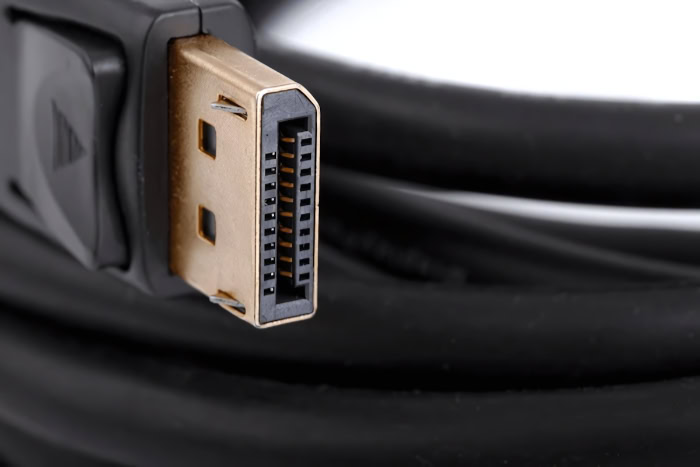
Common interface standards have specific physical limits when using passive cables. For example, passive HDMI cables typically struggle to maintain reliable signals beyond five meters for high-bandwidth standards, while passive DisplayPort cables are usually limited to three meters.
Passive USB cables often face performance drops after three to five meters. Beyond these thresholds, passive connections hit a point of diminishing returns, resulting in packet loss, visual artifacts, or complete signal dropouts.
How Active Cables Circumvent Physical Limits
Active cables bypass these physical constraints by continuously amplifying the signal during transmission. By compensating for attenuation, these cables preserve high-frequency bandwidth across much longer runs, preventing the degradation of data or video quality over extended distances.
Protocol-Specific Behaviors and Use Cases
Different connectivity standards impose unique demands on cable performance. Observing how specific protocols operate illustrates the distinct roles active and passive options play in everyday configurations.
Audio-Visual Standards: HDMI and DisplayPort
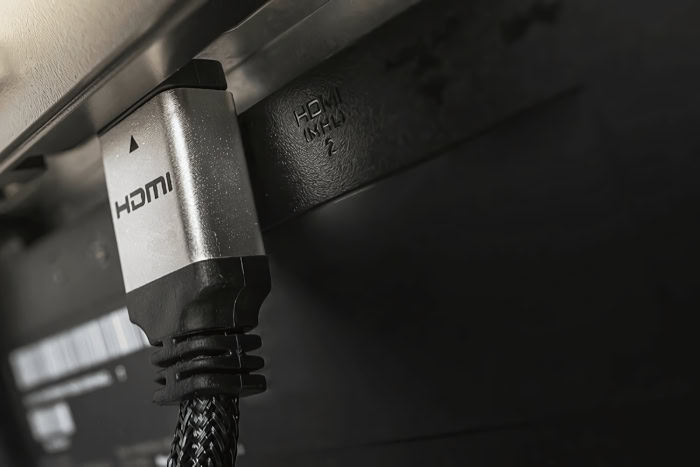
Modern audio-visual systems demand massive bandwidth to support 4K and 8K displays with high refresh rates. Over long distances, passive HDMI and DisplayPort cables cannot handle these requirements without signal degradation.
Active optical cables, which convert electrical signals to optical signals inside the connector, are widely utilized in home theaters and commercial installations to deliver clean, uncompressed video over dozens of meters.
Data Standards: USB-C and Thunderbolt
The USB-C connector handles both high-speed data transfer and high-wattage power delivery, creating a challenging environment for cable design. Passive USB-C cables must drop to lower data transfer speeds over longer lengths to maintain signal stability.
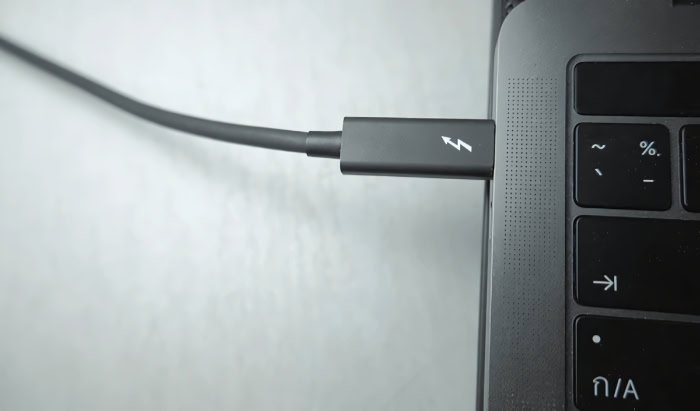
Active USB-C and Thunderbolt cables contain transceiver chips that preserve maximum bandwidth, such as 40 gigabits per second, even at lengths where passive alternatives would fail or slow down.
Enterprise Networking: SFP+ and QSFP+ DACs
In high-density server racks and enterprise networks, Direct Attach Copper cables are the standard for short-distance connections. Passive Direct Attach Copper cables are cost-effective, consume no power, and introduce negligible latency over distances under seven meters.
Active Direct Attach Copper cables, which use active electronics to boost the signal, extend this range up to fifteen meters, though they consume slightly more power and add minor latency.
Practical Constraints

Deploying cables in practical installations requires careful consideration of how they receive power and transmit signals. Physical properties and installation directions can significantly affect the setup process and overall system performance.
Unidirectional vs. Bi-directional Transmission
Because active cables contain directional chips, they are strictly unidirectional. The connectors are marked with clear labels, such as “Source” for the sending device and “Display” or “Sink” for the receiving device.
Installing an active cable backward results in no signal transmission, necessitating careful physical orientation and potentially difficult troubleshooting if the cable is already routed behind walls.
Powering Active Electronic Components
The internal chips of active cables require low-voltage electrical power to function. Most active cables draw this power directly from the host device’s port, utilizing standard voltage pins.
In some high-power configurations or when host ports supply insufficient voltage, active systems may require external power injection via a separate USB connection or power adapter.
Physical Profiles and Routing
The inclusion of active components alters the physical profile of the cabling. Active cables can often use thinner copper gauges because the electronics compensate for the thinner wire, resulting in a highly flexible cable that is easier to route.
Conversely, long-distance passive copper cables require thick gauge wire and heavy shielding to combat signal decay, making them bulky, heavy, and difficult to pull through tight conduits or walls.
Economic and Selection Guidelines
Choosing the right cable involves balancing financial limits with the technical requirements of the hardware setup. A structured approach ensures you select the most efficient option without overspending on unnecessary technology.
Cost vs. Performance Analysis
Active cables carry a substantial price premium compared to passive alternatives due to the cost of integrated circuits and complex manufacturing. It is critical to assess whether a specific setup truly requires active processing.
For short distances, passive cables are highly reliable and much more cost-effective, delivering identical performance without the added expense.
System Design Selection Criteria
When designing a system, selection should follow a simple framework based on length, bandwidth, and environment. Short connections under three meters generally call for passive cables.
Long runs, high-resolution video feeds, or environments with heavy electromagnetic interference require active cables or active optical cables to preserve signal quality.
Hardware Durability and Reliability
Passive wires are highly durable because they contain no fragile components, making them resilient to physical bending and minor wear. Active cables contain delicate silicon chips in their connectors, introducing potential failure points.
If a chip experiences electrostatic discharge or overheating, the entire cable must be replaced, making passive cables more robust for environments where cables are frequently plugged and unplugged.
Conclusion
The fundamental distinction between active and passive cables lies in their physical architecture and how they handle signal degradation. Passive cables rely on a direct, bidirectional physical connection with strict distance limitations, often losing signal integrity beyond three to five meters.
Active cables use internal microchips to boost and restore signal waveforms, allowing data to travel over much longer distances in a single, unidirectional path. In the end, choosing the right cable requires balancing your specific distance requirements, bandwidth needs, and budget.
For short runs, passive cables provide superior durability and value, while active cables remain necessary to maintain performance over long distances.
Frequently Asked Questions
Can I plug an active cable in backward?
No, active cables will not work if you plug them in backward. Because these cables contain unidirectional microchips that process the signal in one specific direction, they must be oriented correctly. You must connect the end labeled “Source” to your output device and the end labeled “Display” to your monitor.
Do active cables need their own power source?
Most active cables do not need an external power source because they draw low-voltage power directly from the connected ports. The host device naturally supplies this power through standard connection pins. However, some long-distance setups or ports with low power output may require an external USB power injector.
Why does my long USB-C cable charge my phone but transfer files so slowly?
Your long USB-C cable transfers files slowly because it is a passive cable exceeding the reliable distance threshold for high-speed data. While power delivery remains stable over longer distances, high-frequency data signals degrade rapidly. An active USB-C cable is required to maintain full data speeds over longer distances.
Are passive cables more durable than active ones?
Yes, passive cables are generally much more durable than active cables over time. Passive options contain no delicate silicon chips, making them highly resilient to physical bending, pulling, and frequent plugging. Active cables contain fragile integrated circuits that can easily fail if they overheat or experience static electricity.
Should I buy an active cable for a short one-meter connection?
No, you should not buy an active cable for a short one-meter connection. Over short distances, a passive cable will deliver the exact same performance, resolution, and speed at a much lower cost. Active cables are only necessary when you need to run signals over extended distances.
About the Author: Julio Caesar


